How to Run a D&D Session Online for Free — Complete Setup Guide
From zero to everyone connected and rolling dice, for free. The complete walkthrough for running D&D online — platform, voice chat, session setup, and common problems solved.
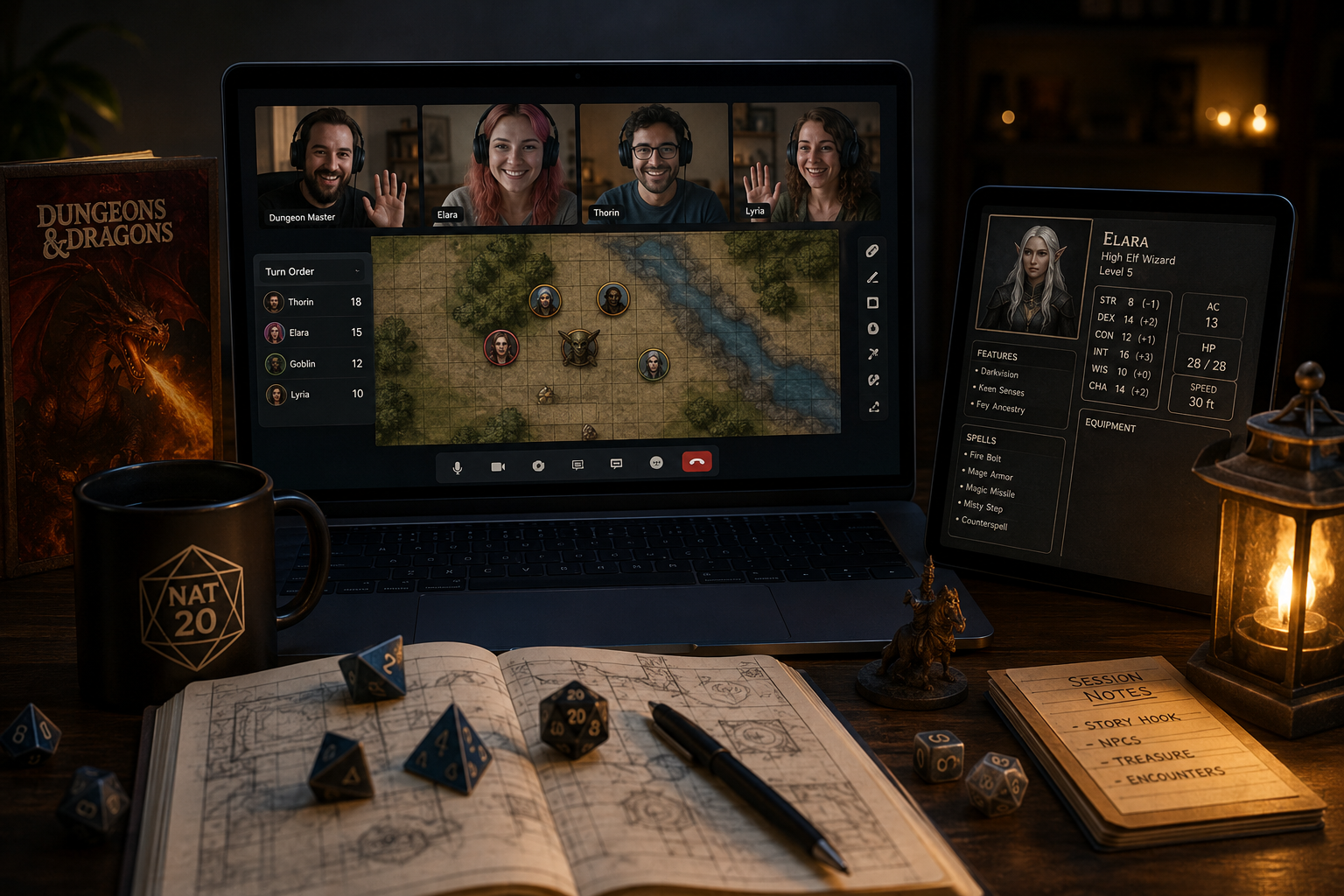
Running D&D online doesn't have to cost anything. The tools exist, they're good, and the setup takes about fifteen minutes if you know what you're doing. This is the complete walkthrough — from “we want to play online” to everyone connected and rolling dice, for free.
What you actually need
Strip away the marketing and an online D&D session needs four things: a place to run combat, a way to roll dice, somewhere to look up rules, and voice chat. Everything else is optional. You can cover all four for free.
Step 1 — Pick your platform
The platform is where the session lives: combat tracker, map, dice, and references in one tab. You have two real free options:
- Nat20 — free forever, covers the full session workflow (combat tracker, dice, battle map, session notes, ruleset references). Players join from a link. Also works as a standalone GM screen at a physical table if you ever mix online and in-person sessions.
- Roll20 free tier — the most widely known option. The free tier covers basic maps and dice rolls, but dynamic lighting, character sheets, and most quality-of-life features are paywalled at $10/month per user.
If cost is a constraint, Nat20 gives you a complete session toolkit without a paywall. Roll20 free is fine for simple games but you'll hit walls quickly.
Step 2 — Set up voice chat
Use Discord. It's free, stable, and every TTRPG player already has it. Create a server for your group, make a voice channel called something like #the-table, and you're done. You can also use Discord's screen share if you want players to see a shared image or map outside the VTT.
Avoid using the VTT's built-in video/voice — it adds latency and isn't worth it when Discord is better and free.
Step 3 — Create the session
In Nat20, sign up (free), then create a new session. Choose your ruleset — the D&D 5e SRD is built in, so monster stat blocks, spells, and items are already there. Name the session, set the scene, and you're ready.
The session URL is what you share with players. They click it and join — no account required to participate.
Step 4 — Brief your players
Before the session, send your players three things:
- The session link
- The Discord invite
- A one-paragraph note on what to expect technically (“click the link, join Discord voice, we start at 7”)
Don't send a tutorial. Players will figure out the interface in two minutes. The only thing that derails an online session is bad voice setup — fix that first by having everyone join Discord voice five minutes early.
Step 5 — Run the session
The combat tracker handles initiative automatically once you add combatants. Click to add monsters from the ruleset, add players manually. At the start of a fight, roll initiative and it sorts the order.
Dice rolls are visible to everyone in the session in real time — no more “what did you roll?” The battle map uses a shared grid; you move tokens, everyone sees it.
Keep the ruleset reference panel open on the side. When a player casts a spell or a monster uses an ability, look it up in five seconds without switching tabs or opening a PDF.
After the session — write the recap
This is where online play has a real advantage over in-person. In Nat20's campaign view, write a short episode recap while the session is fresh — what happened, who died, what the players discovered. Players can read it before the next session. Over a long campaign, this becomes an invaluable reference for everyone.
Common problems and fixes
| Problem | Fix |
|---|---|
| One player has audio echo | They need headphones. Mute them until they sort it. |
| Someone can't see the map update | Hard refresh (Ctrl+Shift+R). Usually a stale cache. |
| Session feels slower than in-person | Prepare more than you think. Online combat runs slower. Cut two encounters from your plan. |
| Players are distracted | Normal. Keep combat moving fast. Slow DMs lose online players to their phones. |
The short version
Nat20 for the session, Discord for voice, D&D 5e SRD built in. Sign up, create a session, share the link, play. Cost: zero.